
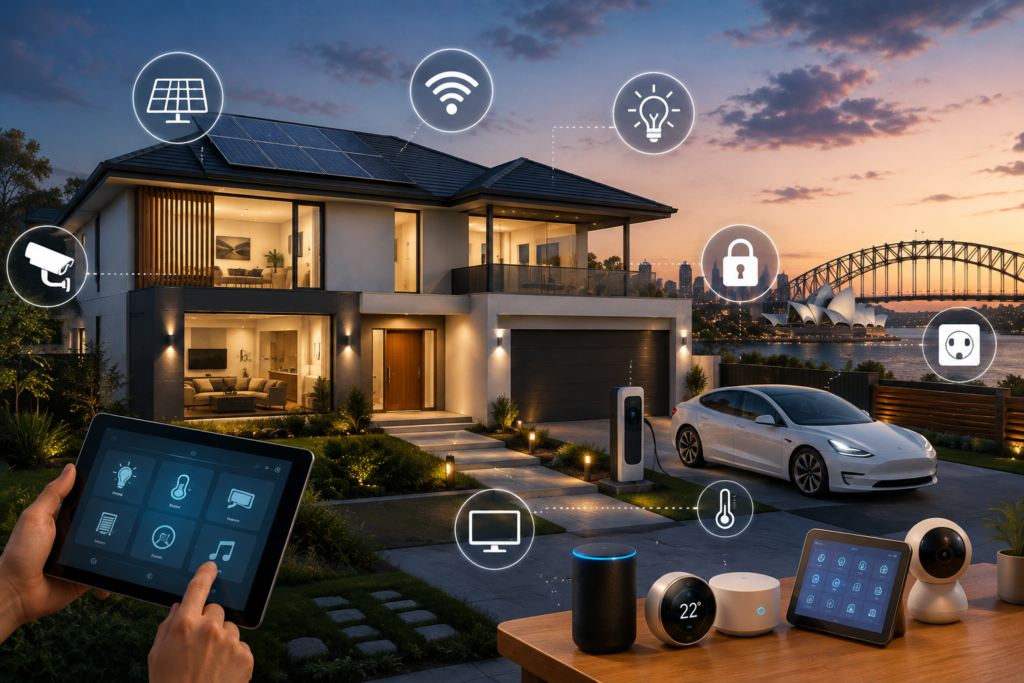
Process Walkthrough: How Alpha Smart Homes Designs and Delivers Smart Home Technology in Australia 2026.
Process Walkthrough: Building a smart home is an exciting investment, but the technology should never feel like an afterthought. The best smart homes are carefully planned from the earliest stages of design and construction, with infrastructure, automation, security, connectivity and future upgrades considered as part of the overall home.
For homeowners in Sydney and across Australia, understanding the smart home installation process can make it much easier to choose the right technology partner. A clear process creates transparency, reduces surprises and helps ensure that the final system reflects the homeowner’s lifestyle, property and budget.
At Alpha Smart Homes, our approach focuses on planning first, selecting technology carefully and integrating systems into the home in a practical and discreet way. From the initial consultation through to installation, programming and handover, each stage has an important purpose.
Process Walkthrough: This process walkthrough explains what homeowners can expect when planning a smart home with Alpha Smart Homes and why professional planning matters.
What Is the Smart Home Design and Installation Process Walkthrough?
Process Walkthrough: A professional smart home project typically involves several connected stages:
- Initial consultation
- Lifestyle and requirements assessment
- Property and architectural plan review
- Technology planning
- System and product selection
- Budget development
- Pre-wiring and infrastructure
- Installation
- System configuration
- Testing and commissioning
- Homeowner training
- Handover and ongoing support
Process Walkthrough: The exact process can vary depending on whether the project is a new build, renovation or existing home installation.
The important principle is that technology should be planned before it is installed.
Process Walkthrough: A smart home is not simply a collection of smart products. It is an integrated environment in which different systems need to communicate reliably.
Stage 1: Initial Smart Home Consultation
Process Walkthrough: The process begins with a conversation.
Before recommending equipment, it is important to understand what the homeowner actually wants to achieve.
Process Walkthrough: Some homeowners are primarily interested in security. Others want whole-home lighting control, entertainment, energy management, climate control or a complete automation system.
During an initial consultation, important questions may include:
- What are your main reasons for building a smart home?
- Are you constructing a new home or renovating?
- How many people will use the system?
- What areas of the home need automation?
- Do you want smart security?
- Are you planning solar or battery storage?
- Will you need EV charging?
- Do you want whole-home audio?
- Do you work from home?
- Are there future accessibility requirements?
- What is your preferred level of automation?
- What budget range are you working with?
This first stage helps establish priorities.
Why Consultation Matters
Process Walkthrough: Without a clear understanding of the homeowner’s goals, it is easy to recommend technology that looks impressive but provides little practical value.
A professional consultation helps separate essential technology from optional upgrades.
For example, a reliable network may be more important to a homeowner than installing dozens of individual smart gadgets.
Process Walkthrough: The goal is to create a technology strategy that solves real problems.
Stage 2: Lifestyle and Needs Assessment
Process Walkthrough: Every household uses its home differently.
A family with young children may prioritize security and automated lighting. A professional working from home may need excellent network infrastructure. A multigenerational household may value accessibility and simple controls.
The design should reflect those requirements.
Understanding Daily Routines
Process Walkthrough: Smart home automation becomes most useful when it supports everyday routines.
Imagine arriving home after work.
Instead of unlocking the door, turning on multiple lights, adjusting the temperature and starting entertainment systems individually, a carefully designed “Welcome Home” scene could coordinate selected functions.
Similarly, a “Goodnight” scene could:
- Turn off selected lights
- Lock appropriate doors
- Adjust climate settings
- Arm security systems
- Switch off entertainment equipment
- Activate exterior security lighting where appropriate
Process Walkthrough: The objective is convenience without unnecessary complexity.
Stage 3: Architectural and Property Assessment
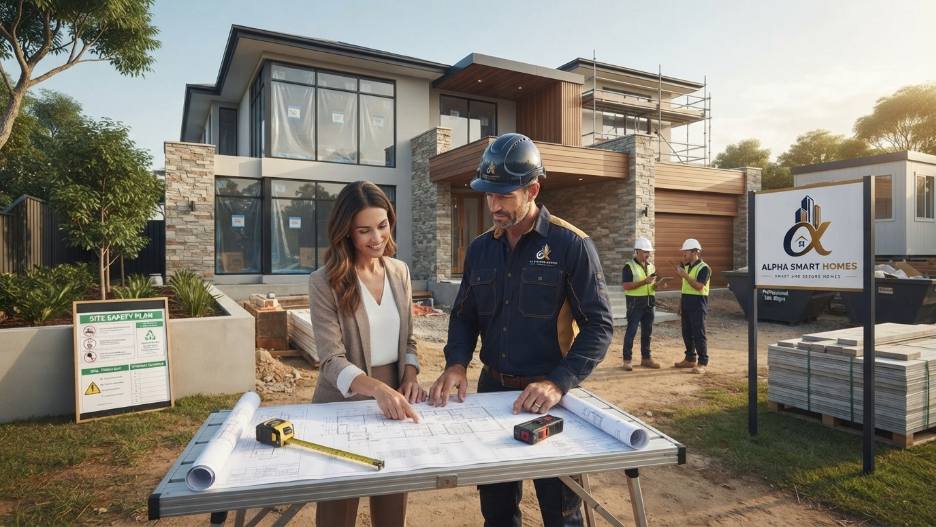
Once the homeowner’s priorities are understood, the physical property needs to be assessed.
For a new build, architectural plans provide valuable information.
For an existing property, a site assessment can help identify construction and infrastructure considerations.
Important factors include:
- Number of floors
- Room sizes
- Ceiling heights
- Wall construction
- Outdoor areas
- Garage location
- Electrical distribution
- Existing network infrastructure
- Security access points
- Equipment locations
- Entertainment zones
- Plant and service areas
Process Walkthrough: This stage connects the homeowner’s goals with the physical reality of the property.
Why Architectural Plans Matter
Process Walkthrough: Technology needs to fit into the building rather than being added randomly after construction.
For example, security camera locations should be considered alongside doors, driveways and access routes.
Network access points should be positioned according to the floor plan and expected coverage.
Speakers should be considered alongside ceiling design and interior layouts.
Lighting controls should align with how rooms are actually used.
Process Walkthrough: Early coordination helps produce a cleaner and more professional result.
Stage 4: Smart Home Technology Planning

Process Walkthrough: The next stage is developing the technology architecture.
This is where individual systems are considered as part of a larger smart home ecosystem.
Depending on the project, the plan may include:
Lighting Automation
Process Walkthrough: Smart lighting can include dimming, scenes, scheduling, occupancy sensing and centralized control.
Climate Control
Heating, cooling and ventilation systems can potentially be integrated into a wider automation strategy.
Security
Process Walkthrough: Security cameras, alarms, sensors, access control and video intercoms can be designed to work together.
Networking
A strong network is the foundation of a connected home.
Entertainment
Home theatre, distributed audio and media systems can be integrated with lighting and automation.
Energy Management
Solar, battery systems, energy monitoring and controlled electrical loads can be incorporated into the wider technology strategy.
Access Control
Smart locks, garage doors and gates can provide convenient control while supporting security requirements.
EV Charging
Process Walkthrough: New homes can be planned with appropriate provisions for electric vehicle charging.
Stage 5: Creating the Smart Home Infrastructure Plan
Process Walkthrough: One of the most important stages is deciding what needs to be installed behind the walls.
This is particularly important for new builds.
The infrastructure plan may identify:
- Network outlets
- Data cabling
- Security camera cabling
- Speaker cabling
- Control wiring
- Equipment rack locations
- Wi-Fi access point locations
- Smart lighting provisions
- Motorised blind provisions
- EV charging provisions
- Future cable pathways
- Electrical connection points
This is where pre-wiring becomes particularly valuable.
What Is Smart Home Pre-Wiring?
Process Walkthrough: Pre-wiring involves installing required cables, conduits and connection points during construction, before walls and ceilings are closed.
It allows homeowners to prepare for technology that may not be installed immediately.
For example, you may decide to install security cameras several months after moving into the home.
Process Walkthrough: If the required infrastructure is already installed, the future installation can be much simpler.
Why Pre-Wiring Supports Future-Proofing
Technology changes quickly.
Process Walkthrough: A home built today may eventually use technologies that have not yet become mainstream.
Trying to predict every future product is impossible.
Instead, homeowners can create flexible infrastructure that makes future upgrades easier.
This could include spare conduits, additional network outlets and appropriately located equipment spaces.
Stage 6: Product and System Selection
Process Walkthrough: Once the infrastructure requirements are understood, suitable technologies can be selected.
This stage should not simply be about choosing the most expensive equipment.
The right solution should balance:
- Performance
- Reliability
- Compatibility
- User experience
- Scalability
- Maintenance
- Aesthetics
- Budget
- Long-term support
Avoiding the “Smart Gadget” Trap
Process Walkthrough: A home can contain many smart products without actually being a well-designed smart home.
For example, having separate applications for lighting, security, climate, entertainment and access control can create more complexity rather than less.
A professional system should aim for a coherent user experience.
Process Walkthrough: Where technically appropriate, systems should be integrated so homeowners can operate key functions without constantly switching between different controls.
Stage 7: Budget Development
Process Walkthrough: Smart home budgets can vary considerably.
A simple system may focus on network infrastructure, selected lighting and security.
A high-end integrated system could include advanced lighting, climate control, automated blinds, security, whole-home audio, home theatre, access control and energy management.
The key is to establish priorities early.
Build the System in Layers
Process Walkthrough: A useful approach is to divide the technology into levels.
Essential Infrastructure
This may include:
- Network cabling
- Wi-Fi infrastructure
- Electrical provisions
- Security pre-wiring
- Equipment locations
- Future pathways
Core Automation
Potentially:
- Lighting
- Climate
- Security
- Access control
Lifestyle Technology
Potentially:
- Audio
- Home theatre
- Motorised blinds
- Advanced scenes
- Entertainment integration
Future Upgrades
Potentially:
- Additional security cameras
- EV charging
- Battery integration
- New automation devices
- Additional rooms or outdoor zones
Process Walkthrough: This approach helps homeowners manage their investment without compromising important infrastructure.
Stage 8: Coordination With the Builder and Trades
For new construction, smart home technology must be coordinated with other professionals working on the property.
This can involve communication between:
- Builder
- Electrician
- Architect
- Interior designer
- Security installer
- Network specialists
- Audio-visual specialists
- Smart home integrator
- Other relevant trades
Good coordination helps prevent conflicts.
For example, a ceiling speaker location should be considered before plasterboard installation.
A security camera cable needs to reach the correct location before the wall is closed.
A network outlet should be coordinated with cabinetry and furniture layouts.
Process Walkthrough: This is why smart home planning should begin before construction reaches the finishing stages.
Stage 9: Pre-Wiring and Infrastructure Installation
Process Walkthrough: Once the plans are finalized and construction reaches the appropriate stage, infrastructure can be installed.
This is one of the most important physical stages of the project.
Cabling should be installed according to the agreed design and relevant professional requirements.
Typical infrastructure may include:
- Ethernet/data cabling
- Security camera cabling
- Audio cabling
- Control cabling
- Equipment connections
- Network infrastructure
- Future conduits
Proper labelling and organization are also important.
Process Walkthrough: A well-organized infrastructure system can make future troubleshooting and upgrades easier.
Why Documentation Matters
The homeowner should ideally have clear documentation showing important infrastructure locations.
Process Walkthrough: Documentation can help answer questions such as:
- Where are network cables located?
- Which cable connects to which room?
- Where are security camera connections?
- Where is the central equipment located?
- Which systems are connected?
- What future provisions were installed?
Good documentation supports long-term maintainability.
Stage 10: Hardware Installation
Process Walkthrough: Once construction reaches the appropriate finishing stage, the selected equipment can be installed.
Depending on the project, this may include:
- Smart switches
- Dimmers
- Sensors
- Security cameras
- Video doorbells
- Smart locks
- Network equipment
- Wi-Fi access points
- Speakers
- Touch panels
- Control interfaces
- Home automation controllers
The installation should be carried out carefully to maintain the quality of the home’s finishes.
Invisible Technology
Process Walkthrough: One of the advantages of professional smart home design is that technology can often be integrated discreetly.
For example, speakers can be installed into ceilings, equipment can be centralized, cables can remain hidden and controls can be designed to complement the interior.
The result is a home where technology supports the architecture rather than competing with it.
Stage 11: System Configuration and Programming
Process Walkthrough: Installing hardware is only part of the process.
The systems then need to be configured and programmed.
This can involve:
- Device pairing
- Network configuration
- Automation rules
- Lighting scenes
- User permissions
- Security settings
- Remote access
- Scheduling
- Sensor configuration
- System integration
This is where the individual components become a coordinated smart home system.
Creating Automation Scenes
Automation scenes should be based on actual household routines.
Examples include:
Good Morning
Selected lights gradually activate and climate settings adjust according to the home’s requirements.
Leaving Home
Selected lights switch off, security functions activate and appropriate devices enter energy-saving states.
Entertaining
Living and outdoor areas receive coordinated lighting and entertainment settings.
Goodnight
Process Walkthrough: Lighting, security and climate settings transition into night-time operation.
These scenes should remain easy to modify as the household’s needs change.
Stage 12: Testing and Commissioning
Process Walkthrough: Before the project is considered complete, the system should be tested.
This is an important trust and quality stage.
Testing may include:
- Network connectivity
- Wi-Fi coverage
- Lighting control
- Automation scenes
- Security devices
- Sensors
- Smart locks
- Audio systems
- Entertainment controls
- Remote access
- User permissions
- System integrations
Process Walkthrough: Testing should identify problems before the homeowner begins relying on the system every day.
Why Commissioning Matters
A smart home can have excellent hardware but still deliver a poor experience if it has not been configured correctly.
Commissioning helps ensure that the system operates according to the agreed design.
Process Walkthrough: It also provides an opportunity to refine settings based on real-world use.
Stage 13: Homeowner Demonstration and Training
Process Walkthrough: Technology should be easy for the homeowner to use.
A professional handover should therefore explain how the system works.
Homeowners may be shown how to:
- Control lighting
- Use automation scenes
- Operate security features
- Manage access
- Use entertainment systems
- Adjust climate settings
- Access the system remotely
- Add authorized users
- Respond to notifications
- Contact support when required
The goal is confidence.
Process Walkthrough: A homeowner should understand the core functions of their smart home without needing to become a technology expert.
Stage 14: Handover and Documentation
Process Walkthrough: At handover, homeowners should receive appropriate information about the installed systems.
Depending on the project, documentation may include:
- System overview
- Equipment information
- Network details
- Device locations
- Automation functions
- User instructions
- Warranty information
- Maintenance recommendations
- Future upgrade considerations
Keeping this information organized can be valuable years later.
For example, if the homeowner decides to renovate a room or install another security camera, knowing the existing infrastructure can save time.
Stage 15: Ongoing Support and Future Upgrades
Process Walkthrough: A smart home should not be considered a one-time purchase.
Technology evolves, household requirements change and new products become available.
Ongoing support can help homeowners maintain and improve the system over time.
Future requirements may include:
- Additional rooms
- More security cameras
- New lighting zones
- EV charging
- Energy monitoring
- Solar and battery integration
- New entertainment equipment
- Improved network infrastructure
- Accessibility upgrades
A scalable system makes these changes easier.
Smart Homes Should Evolve With You
A couple may initially build a home for two people.
Several years later, their needs may change.
Process Walkthrough: Children may arrive. Parents may move in. Someone may begin working from home. An electric vehicle may be purchased.
The best smart home systems allow the property to evolve without requiring a complete technology replacement.
How Alpha Smart Homes Builds Trust Through Process
Process Walkthrough: Trust is particularly important when homeowners are investing in complex technology.
A professional process provides clarity at every stage.
Instead of simply recommending products, Alpha Smart Homes focuses on understanding the property, planning the infrastructure, coordinating the technology and delivering a system designed around the homeowner.
This approach can help reduce common problems such as:
- Incompatible devices
- Poor Wi-Fi coverage
- Insufficient cabling
- Visible wiring
- Complicated controls
- Difficult future upgrades
- Unclear system documentation
- Technology that does not match the homeowner’s needs
A structured process creates accountability.
It also gives homeowners a clearer understanding of what they are paying for and why each part of the system is included.
New Build vs Existing Home: Does the Process Change?
Yes.
New Home
New construction provides the greatest opportunity for infrastructure planning.
Homeowners can address cabling, equipment locations, security provisions and future technologies before the building is finished.
Renovation
Renovations may provide opportunities to introduce new cabling while walls and ceilings are already being opened.
The scope depends on the renovation.
Existing Home
Existing properties can still benefit from smart technology, but the approach may rely more heavily on wireless solutions or carefully targeted hardwired upgrades.
A professional assessment helps determine what is practical.
Common Smart Home Installation Mistakes to Avoid
Choosing Technology Before Defining the Goal
Start with lifestyle requirements rather than products.
Ignoring the Network
The network is the foundation of many smart home systems. Poor connectivity can undermine the entire experience.
Waiting Until the End of Construction
Important infrastructure decisions can become harder once walls and ceilings are finished.
Installing Too Many Unrelated Products
More devices do not automatically create a better smart home.
Forgetting Future Requirements
Consider EV charging, additional security, energy management and other future technologies during the initial planning process.
Skipping Testing
Every integrated system should be properly tested and commissioned before handover.
Not Learning the System
A professional handover helps homeowners understand how to use the technology confidently.
Frequently Asked Questions
How long does smart home installation take?
The timeframe depends on the home’s size, construction stage, system complexity and number of technologies involved. New-build projects may begin during the design phase and continue through construction and commissioning.
When should I start planning smart home technology?
Ideally, smart home planning should begin during the architectural and building design stage. This allows infrastructure requirements to be coordinated before construction progresses too far.
Does Alpha Smart Homes work with new home builders?
Smart home technology can require coordination with builders, electricians and other trades. Early collaboration helps ensure infrastructure is installed at the correct construction stage.
Is pre-wiring necessary for every smart home?
Not every technology requires hardwiring, but pre-wiring can provide important benefits for networks, security cameras, audio and future systems. The appropriate infrastructure depends on the property and technology plan.
Can I upgrade my smart home later?
Yes. A properly planned system can be designed for future expansion. Additional devices, rooms and technologies can potentially be integrated as household requirements change.
Is a smart home difficult to use?
It should not be. Good smart home design aims to simplify daily tasks. Centralised controls, scenes and intuitive interfaces can make sophisticated technology easier to operate.
Final Thoughts: A Process You Can Trust
A successful smart home is built on much more than technology.
It requires planning, coordination, infrastructure, installation, programming, testing and ongoing support.
For Australian homeowners, particularly those building or renovating in Sydney, understanding the process can make the entire experience more predictable.
The most important step is to begin early.
By considering networking, security, lighting, climate control, entertainment, energy management, EV charging and future upgrades before construction is complete, homeowners can create a technology foundation that remains useful for years.
At Alpha Smart Homes, the goal is to make smart home technology practical, reliable and easy to use.
From the first consultation through to final commissioning, every stage should contribute to one outcome: a smarter home designed around the people who live in it.
If you are planning a new home or renovation in Sydney, start your smart home journey before the walls are closed. Early planning can provide greater flexibility, cleaner installation and a stronger foundation for future technology.


Leave A Comment